AI video camera angle and movement prompt generatorDirect before you generate.
A free 3D previs toolkit for AI filmmakers. Frame your shots, choreograph camera moves, build sequences on a timeline, and turn what you see into AI-ready prompts.
- 157camera shots
- 141moves and effects
- 3Dsequencer
- Free
- No sign-up
- Runs in your browser
Prompts for AI video and image tools such as
- Kling
- Veo
- Sora
- Runway
- Midjourney
Why PrevizKit
AI tools got better. Getting the shot you meant is still hard.
As AI got better, a lot of everyday development work began to disappear. Video work kept growing instead: editing video with AI, and the people who shoot and edit for real. But the results often fell short of the picture in people's heads, and tokens kept going into shots that were never quite right.
So I studied camera language on my own, gathered the shots and moves scattered across many sites, and put them in one free place. See each shot in 3D, set it up yourself, and copy the words for it.
Read why I built itHow it works
Three steps from an idea to a prompt
- 1
Set the scene
Add up to six people, choose their poses and directions, and place props.
- 2
Frame the shot
Drag the camera or pick a shot. The angle, shot size and direction are named for you.
- 3
Copy the prompt
Paste the English prompt into the AI tool you use.
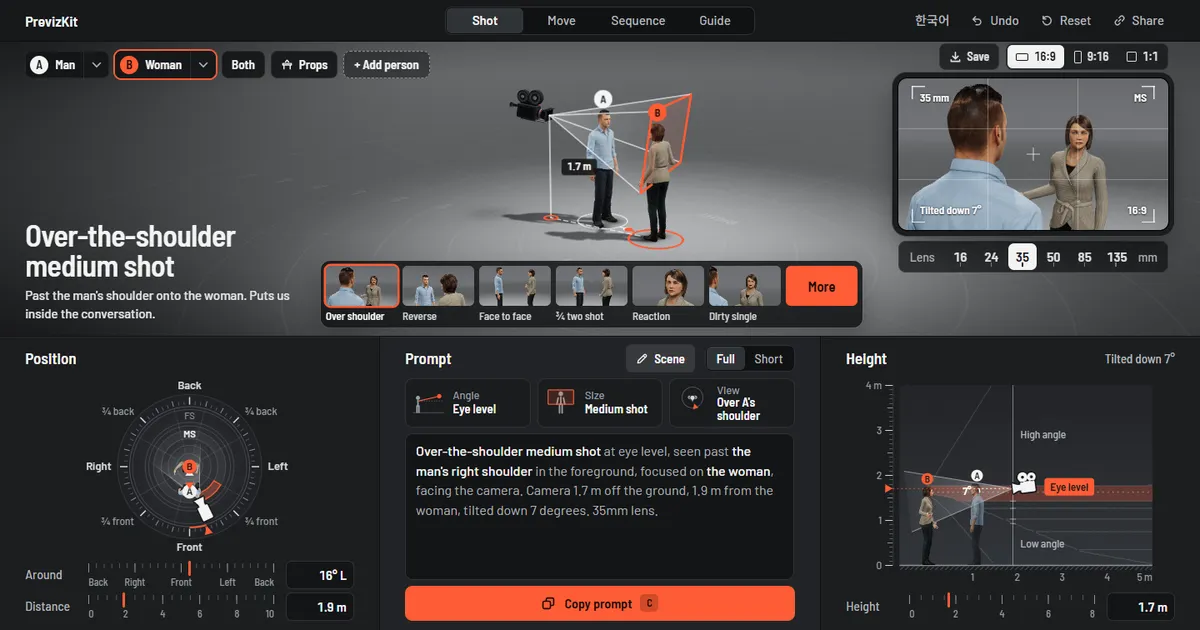
Shot
Place the camera, get the name of the shot
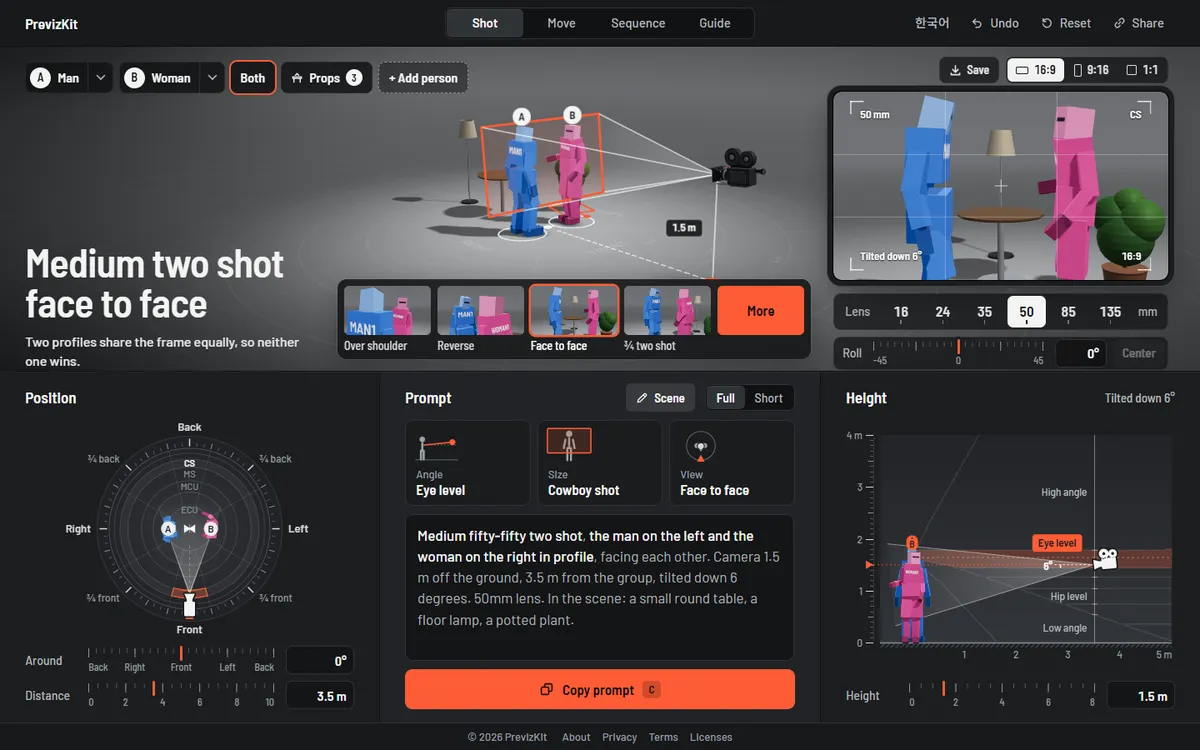
Move the camera around the people and the monitor shows what it sees. The tool works out the angle, the shot size and the direction from the geometry, then writes them as an English prompt.
- 157 ready shots, from close-ups to bird's-eye views
- Lenses from 16 to 135 mm, roll, and focus effects
- Wide, vertical 9:16 and square frames
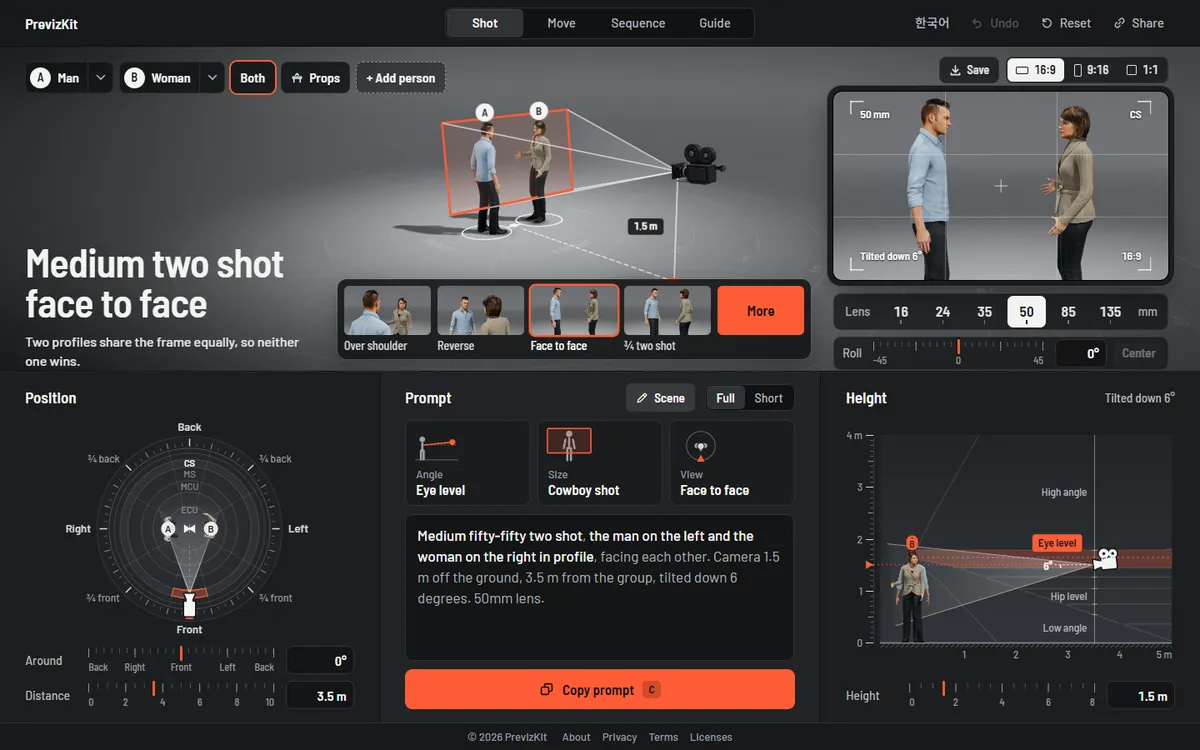
Move
Draw the path the camera travels
Set where the camera starts and where it ends, and watch the move play. Split a move into slow and fast parts, and the prompt says which part is which, with its seconds.
- 141 moves and effects, from dolly in to drone flights
- Speed sections: slow, normal and fast parts in one move
- People who walk or run while the camera moves
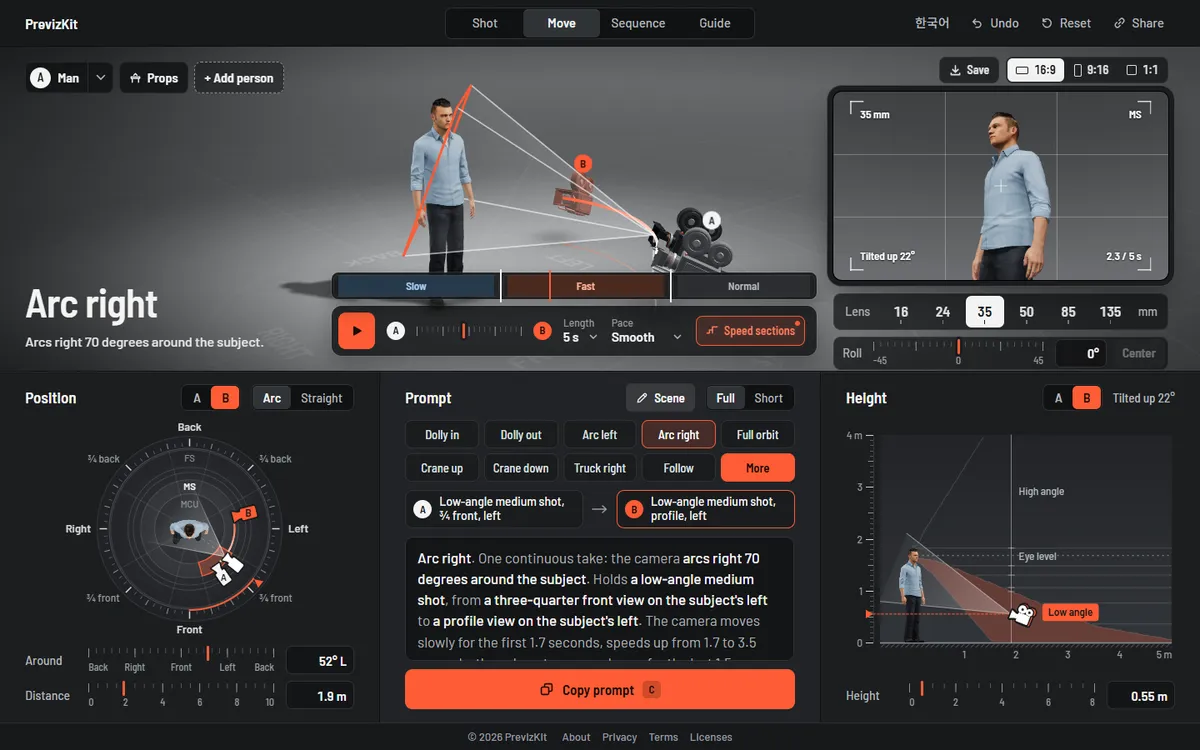
Sequence
Join shots and see the scene before you make it
Drag shots and moves onto a timeline, set each one's length, and choose a cut or a continuous move between them. The prompt lists every shot with its time.
- Drag and drop, on a computer or a phone
- People keep walking from one shot to the next
- One prompt for the whole sequence
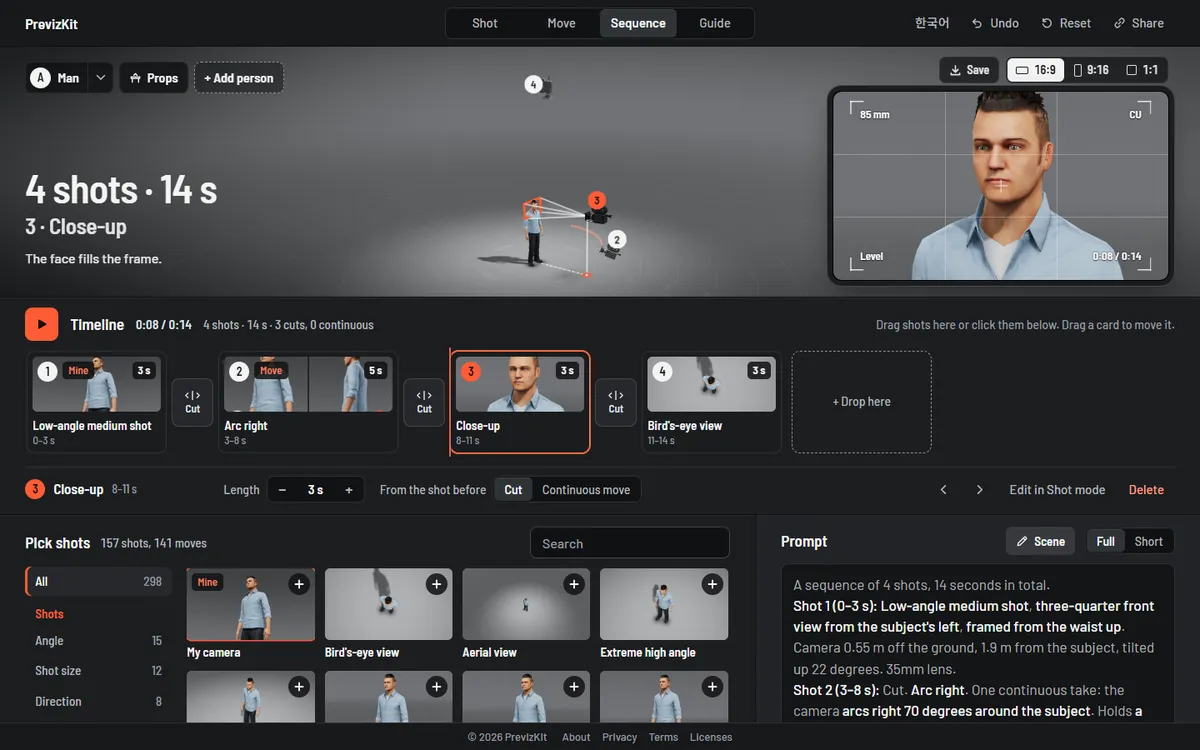
Previs and saving
Block it out, then save it
Turn people into plain previs figures, each with its own colour and tag, and add props from the list. Save a picture, or the whole move or sequence as an MP4 clip, made on your own device.
- 30 props, from chairs to cars
- PNG pictures and MP4 clips in the frame you chose
- Nothing is uploaded
Who it is for
For anyone who plans a shot
Not only for AI video. If you need to see a shot before you make it, PrevizKit is for you.
AI video creators
Plan the angle and the camera move, then paste the prompt into Kling, Veo, Sora or Runway.
Film and video students
Learn each shot and move by moving the camera yourself. Every term has its own guide page.
Directors
Check the framing and camera moves of a scene before the shoot.
Storyboard artists
Block out a scene in 3D and save each shot as a picture.
Ad and content producers
Lay out a sequence with the length of every shot, and share it as a link.
YouTubers
See how a shot will look in a wide, vertical 9:16 or square frame.
- 157shots
- 141moves and effects
- 30props
- 2languages
Guide
Every camera term, with a picture
Each shot and move has its own page: what it does, when to use it, and the prompt to copy.
Camera angles
Shot sizes
Camera movements
Questions
Is it free?
Yes. It is free to use and needs no account.
Do I need to know camera terms?
No. Pick a shot from the list or just move the camera, and the tool names the shot for you. Each shot and move also has a guide page that explains it.
Which language are the prompts in?
Prompts are written in English, so they can go straight into AI video tools. The screens and the guide are also in Korean.
Which AI tools is it for?
Any AI video or image tool that takes an English prompt, such as Kling, Veo, Sora or Runway. Copy the prompt and paste it in.
May I use what I make for commercial work?
Yes. Prompts, pictures and clips you make are yours to use, as set out in the Terms of use.
Does it work on a phone?
Yes, on phones, tablets and computers with a browser that supports WebGL 2.
Direct your next shot before you generate it
Open the tool and place the camera. It takes a few seconds.
Start free